
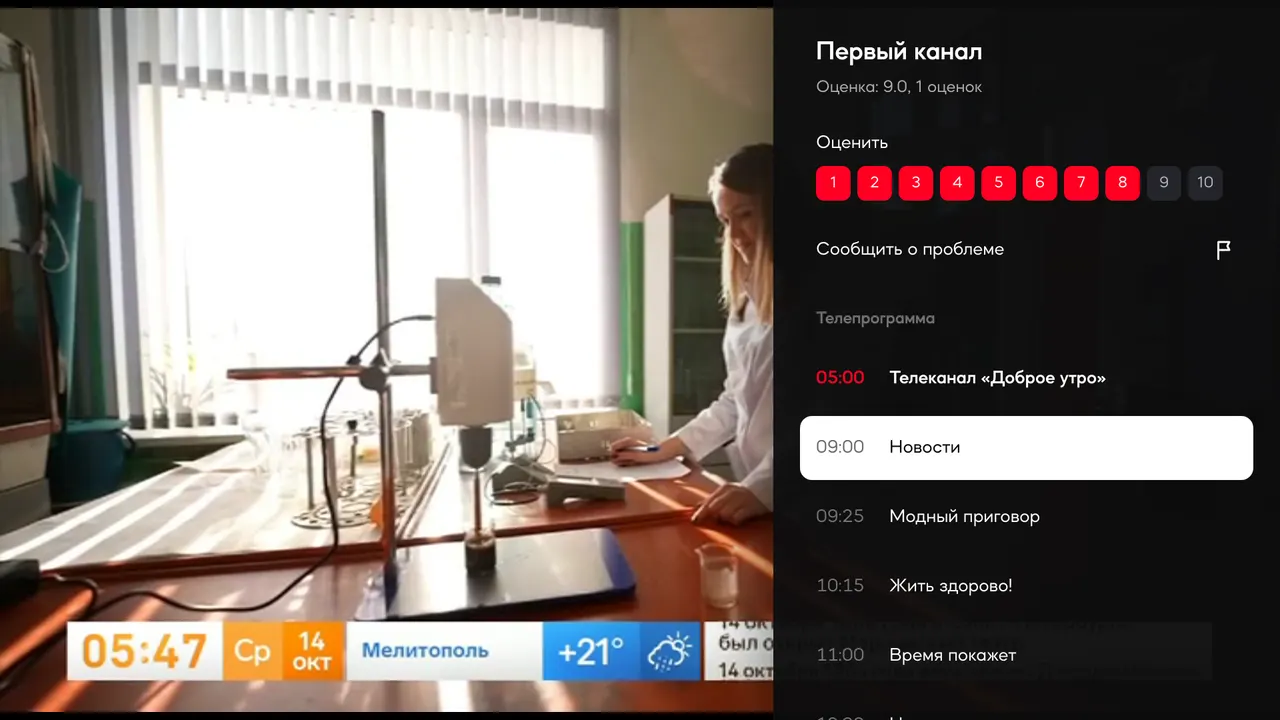
The guide over the picture
Press right and the day's guide opens next to the picture, with the channel's rating and a Report a problem button. The broadcast keeps playing.
Our Smart TV app: live channels, films and series, the programme guide and picks for your taste on the big screen. Works with any remote, signs in with a QR code, and a film carries on from the minute you stopped on your computer.
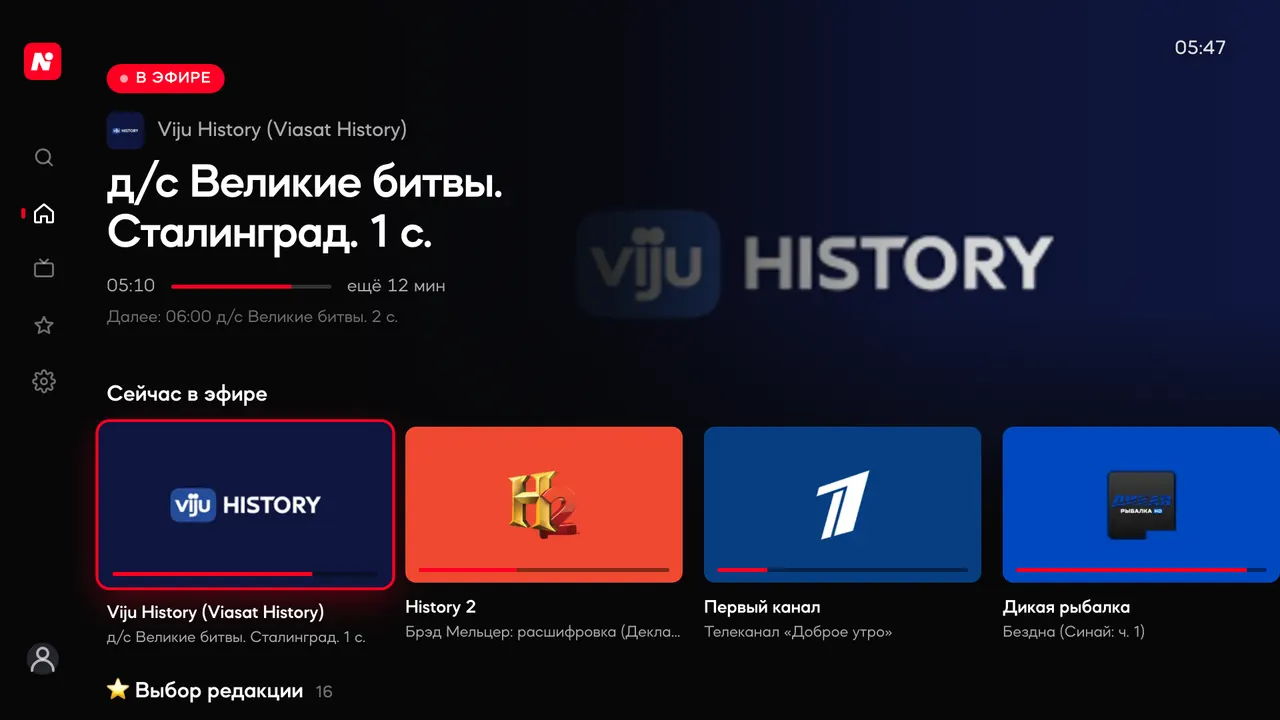
It is a free app platform for Smart TVs. Find it in your TV's store: Samsung, LG, Android TV, Google TV, Fire TV or Hisense VIDAA.
tv.antenna-tv.comIn Media Station X open Settings, then Start Parameter and Setup. Enter tv.antenna-tv.com, switch on the lock icon and confirm.
On the first launch Media Station X asks whether to open the link. Press Continue. To stop the question, turn off Validate Links in its settings.
Open Sign in in the menu on the left and point your phone camera at the code. Your settings, PIN and recommendations follow.
Press right and the day's guide opens next to the picture, with the channel's rating and a Report a problem button. The broadcast keeps playing.
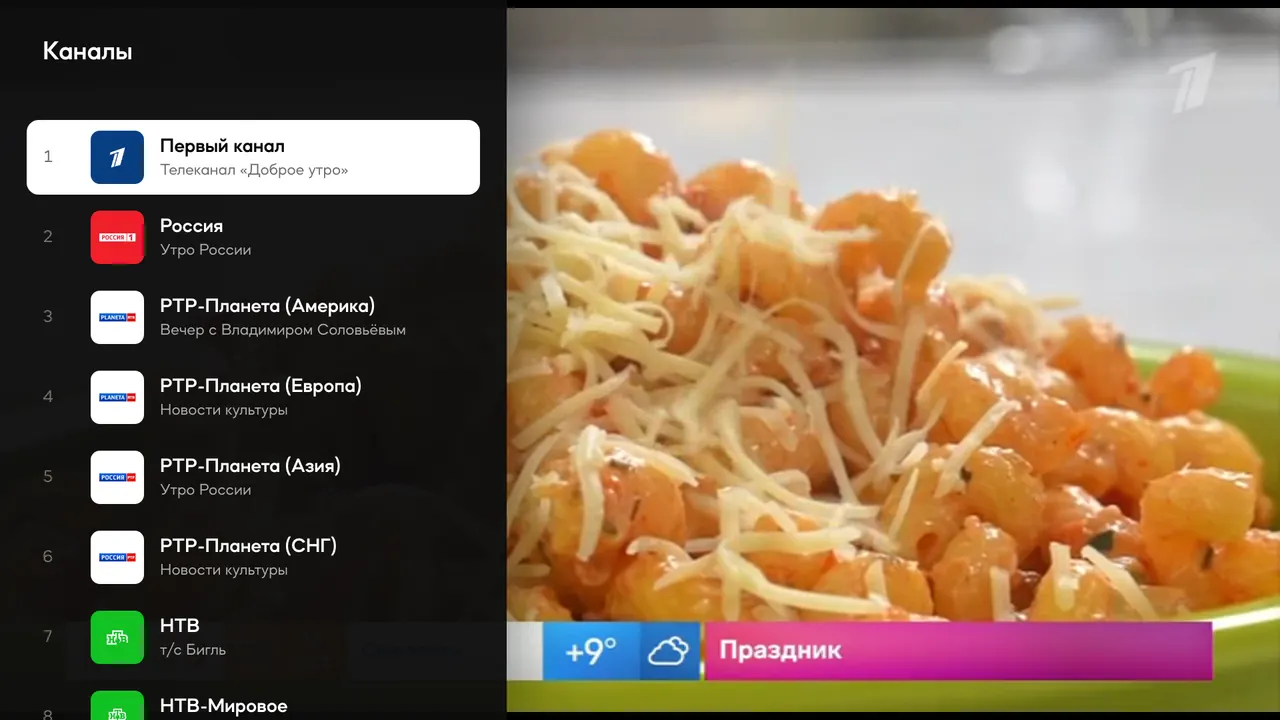
CH+ and CH- flip channels, numbers jump to a channel, and left opens the list with what is on now.

Point your phone camera at the QR code or enter a short code at antenna-tv.com/access. No typing your email with a remote.
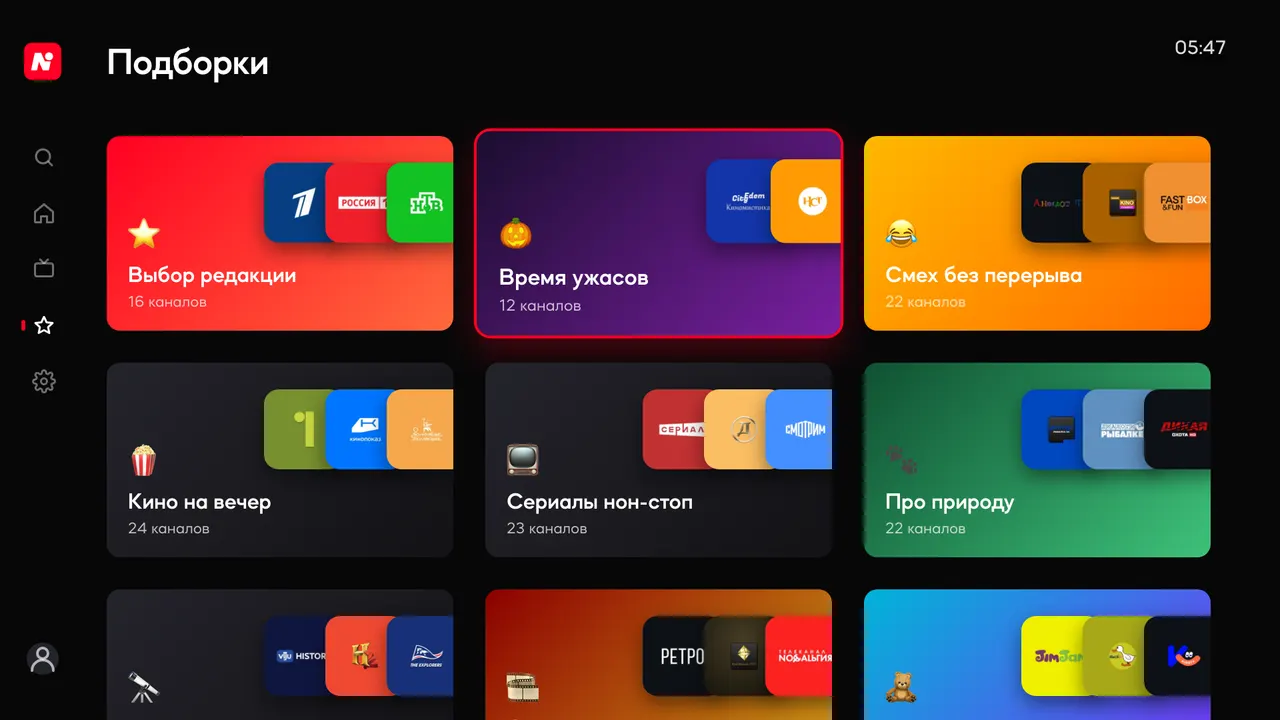
Over 20,000 films and 5,000 series run from the remote: pause, skip, dub, quality and episodes. For you rows learn from what you watch, and a film you started carries on from the same moment.
Arrows, OK and Back are enough. Pointer remotes like the LG Magic Remote work too: point and click.
 Hisense VIDAA
 Media Station X
The app is free. Channels work as on the website: open ones without signing in, the rest after a free sign-up. Films and series are free.
A free platform for apps on TVs. Antenna opens inside it, so there is nothing else to download.
No. Open channels and films work as they are. Signing in unlocks the other free channels, links the TV with the website and lets films resume from the same moment.
Sign in to the same account on the computer and on the TV. Open the film: the button says Continue from 1:41:12 and it starts from that minute. A series opens on the same episode.
This happens on older TVs that do not trust modern certificates. Update the TV firmware or write to us and we will help.
Media Station X is in the Microsoft Store for Xbox and Windows 10 and later. Install it and enter antenna-tv.com, just like on a TV.
In your account on the website, under TV sign-in, or in the app settings on the TV itself.